How to Change Laser Color: Quick Steps
You want your red laser to emit blue light. Maybe you’ve seen videos claiming you can use colored filters or lenses to shift the beam. Perhaps you’re wondering if temperature changes or crystal modifications could do the trick. The truth is, changing laser color isn’t straightforward, and most “solutions” you find online simply don’t work.
This guide breaks down exactly what can and cannot change laser color. You’ll learn why filters fail, how advanced technologies like DPSSL actually generate different colors, and what your realistic options are as a hobbyist or laser enthusiast.
Why Laser Color Can’t Be Changed Easily
Laser color isn’t something you can simply adjust like brightness or focus. It’s physics. The wavelength of light a laser emits is determined by its gain medium, which is the material inside the laser that produces the light beam. In most handheld laser pointers and DIY setups, this is a semiconductor diode engineered to emit photons at a precise energy level.
For example, a 650 nm diode produces red light, a 532 nm system creates green, and a 450 nm diode outputs blue. These wavelengths are locked in at the factory. You cannot tweak them with software, filters, or external modifications. Any attempt to change laser color must either alter the physics of the emission process, generate a new wavelength using advanced optics, or replace the source entirely.
Why Filters and Lenses Don’t Work
A persistent myth suggests placing a blue lens over a green laser will turn it blue. This completely fails in practice.
Colored filters work by absorbing unwanted wavelengths and transmitting others. But laser light is single-wavelength, meaning if the filter doesn’t transmit that exact wavelength, the beam gets blocked entirely. Shine a 532 nm green laser through a blue filter and the green light gets absorbed, leaving no output. Use a red filter on a violet 405 nm laser and the beam disappears.
Any perceived color change you might observe is usually an illusion. It could be ambient light scattering, fluorescence from dust or lens coatings, or visual fatigue after staring at the beam too long. As one expert explained, white light contains all colors and can be split into a rainbow, but laser light is one specific color. You cannot filter one color into another.
Lenses and glass fare no better. Even high-quality optical glass transmits or reflects light based on wavelength, but it does not convert one wavelength to another. A 445 nm blue laser remains blue after passing through any standard lens.
How Real Color-Changing Technology Works

While you cannot modify a standard laser diode after purchase, certain technologies built into laser systems can generate different colors from laser sources.
Diode-Pumped Solid-State Lasers Explained
DPSSL technology is how green laser pointers actually work. Here’s the process: an 808 nm infrared pump diode sends energy into a Nd:YVO4 crystal, which then emits 1064 nm infrared light. That infrared light passes through a KTP crystal that doubles the frequency, converting it to 532 nm green light. Filters then remove the leftover infrared, leaving only visible green.
So green light in these lasers is generated through frequency doubling, not from the diode itself. You cannot replicate this process with a red laser because it requires a high-power IR pump diode, precisely aligned crystals, phase-matching conditions, and heat management. This is a factory-built system, not a user upgrade.
Advanced Frequency Multiplication
Labs use nonlinear optics to create new wavelengths through processes like second-harmonic generation (doubling frequency), third-harmonic generation (tripling), and sum-frequency generation (combining two beams). These require megawatt-level peak powers from pulsed lasers, temperature-controlled crystals, and sub-micron alignment. Not feasible for consumer use.
Limited Options: Fluorescence and Temperature Tuning

You can make a surface glow a different color using fluorescent materials, but this isn’t true laser color change. Shine a 405 nm violet laser on highlighter ink and it emits a green or yellow glow. Use a 532 nm green laser on orange plastic and it may produce red fluorescence.
However, this emitted light is incoherent, diffuse, and weaker than the original beam. The beam itself remains unchanged. Also, fluorescence only shifts light to longer wavelengths, never shorter. You can go violet to green or green to red, but never red to green or blue to violet.
Laser diodes do shift wavelength slightly with temperature. Cooling a diode produces a shorter wavelength (blue shift), while heating produces a longer wavelength (red shift). The typical shift is about 0.3 nm per degree Celsius. A 650 nm red diode cooled by 30°C might drop to 641 nm, which is still red, just slightly less orange. The range is tiny and extreme cooling risks condensation and diode failure.
The Only Reliable Way: Replace the Diode
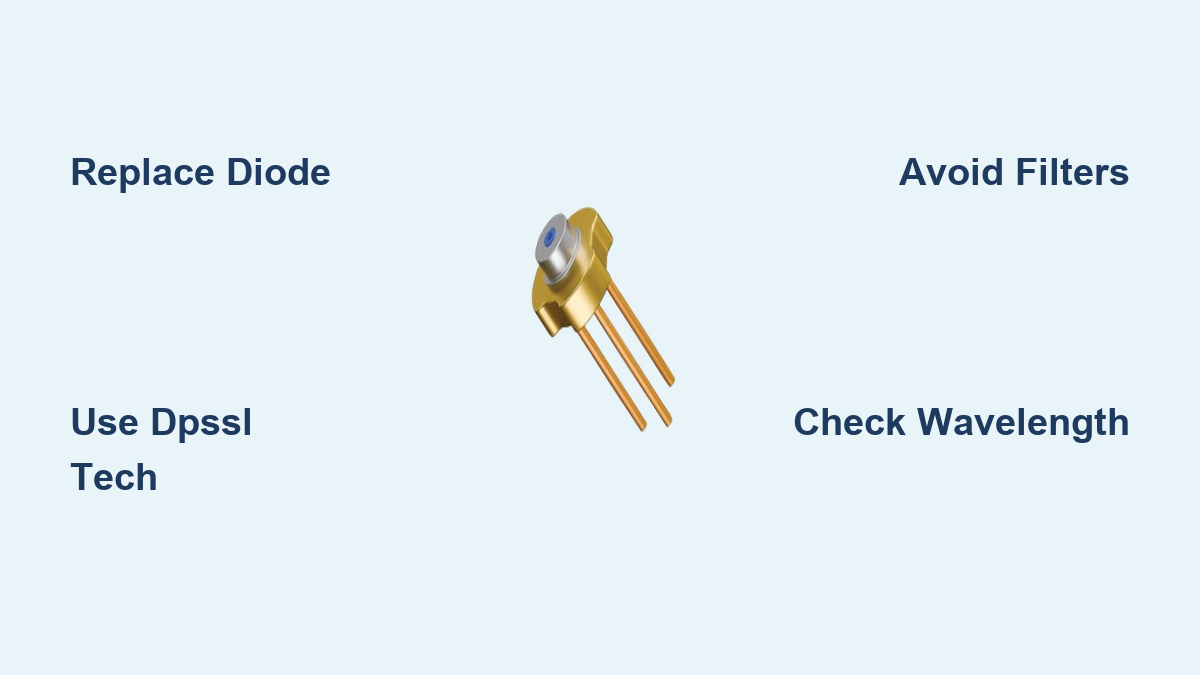
If you want a different laser color, the only practical solution is to replace the laser diode entirely.
To change laser color by diode swap, first identify your current diode wavelength from the label or specifications. Choose a replacement diode for the color you want, such as 450 nm blue, 520 nm green, or 635 nm red. Desolder the old diode using ESD-safe tools and install the new diode in the host module. Test with a matching driver to ensure correct voltage and current.
Several warnings apply. Mismatched drivers can instantly destroy diodes. Some diodes require thermoelectric cooling. Infrared lasers are invisible but dangerous, so always use IR filters. Purchase replacement diodes from reputable laser hobby stores or verified electronics suppliers, ensuring you get the correct wavelength, matching power rating, and compatible housing size.
Common Myths and Misconceptions
Users often report seeing color changes that aren’t real. If you think putting a blue filter on your green laser turned it cyan, what you likely saw was scattered ambient light, fluorescence from lens coating, or eye fatigue after long exposure. The 532 nm photons did not change. If the filter blocked green, the beam was simply gone.
Some believe cooling a laser makes it more blue. Even with extreme cooling, a red diode won’t turn orange. A 650 nm laser cooled to -20°C might reach 640 nm, still red. And you risk damaging the diode with condensation or thermal shock.
Safety First: Risks of DIY Laser Mods
Tampering with lasers carries serious risks. Many green DPSSL lasers leak invisible 808 nm or 1064 nm infrared light that can burn retinas. If you disassemble one, you might expose yourself to unfiltered IR even if the green beam looks normal. Always use IR-blocking safety goggles and test with IR detection cards.
Overdriving diodes with mismatched drivers can kill the diode instantly, cause thermal runaway, or create fire hazards, especially in modules over one watt. Even low-power lasers at 5 mW can cause permanent vision loss if shined into eyes. Use appropriate goggles and avoid eye exposure.
Practical Alternatives for Different Colors
If you want different laser colors, several safe options exist. Buy a multi-wavelength laser module with switchable diodes controlled via button or external signal. Use fluorescent targets like shining a 405 nm violet laser on fluorescent paper for a glowing green effect. Build a custom laser host that accepts multiple diodes for interchangeable color options.
Final Verdict: Can You Change Laser Color?
Colored filters do not work. Lenses and glass cannot shift wavelength. Fluorescence creates appearance changes but not actual laser light. Temperature tuning offers negligible shifts with real damage risks. DPSSL and frequency doubling work but are factory-built only. Replacing the diode is the only reliable user-level method.
Key Takeaways for Changing Laser Color
You cannot change laser color using filters, lenses, or simple modifications because the wavelength is fixed by the diode or gain medium. Technologies like DPSSL create new colors but are not user-modifiable after manufacture. Fluorescence can make surfaces glow differently but the beam itself remains unchanged. The only practical way to get a different laser color is to replace the diode or buy a new module. Always prioritize laser safety, wear appropriate goggles, and respect the power of coherent light.
Frequently Asked Questions About Changing Laser Color
Can I use a colored filter to change my laser from green to blue?
No. Colored filters absorb light at specific wavelengths. Since laser light is a single wavelength, if the filter doesn’t transmit that exact wavelength, it blocks the beam entirely. A green 532 nm laser will not pass through a blue filter.
Does cooling my laser diode change its color?
Slightly, but not noticeably. Cooling a diode shifts its wavelength by about 0.3 nm per degree Celsius. A red diode cooled by 30°C might shift only a few nanometers, remaining red. Extreme cooling also risks damaging the diode.
Can I use crystals to change my laser color?
Only if the laser was designed with those crystals built in, like DPSSL green lasers. Random diodes cannot be modified with crystals to produce different colors. This requires precise alignment, high power, and factory engineering.
Is fluorescence a way to change laser color?
Fluorescence can make surfaces emit different colored light when hit by a laser, but the laser beam itself doesn’t change. The emitted light is incoherent and diffuse, not a laser beam.
What’s the easiest way to get a different laser color?
Replace the laser diode with one that emits your desired wavelength. This is the only reliable method. Buy a new diode or module rated for the color you want.
Do gas lasers allow color changing like diode lasers do?
Some gas lasers emit multiple wavelengths simultaneously and can be filtered to select one color. However, these are large, power-hungry systems not used in pointers or handhelds, so this doesn’t apply to standard consumer lasers.